
Events
Tech Thursday: Bypassing MFA with evilginx2
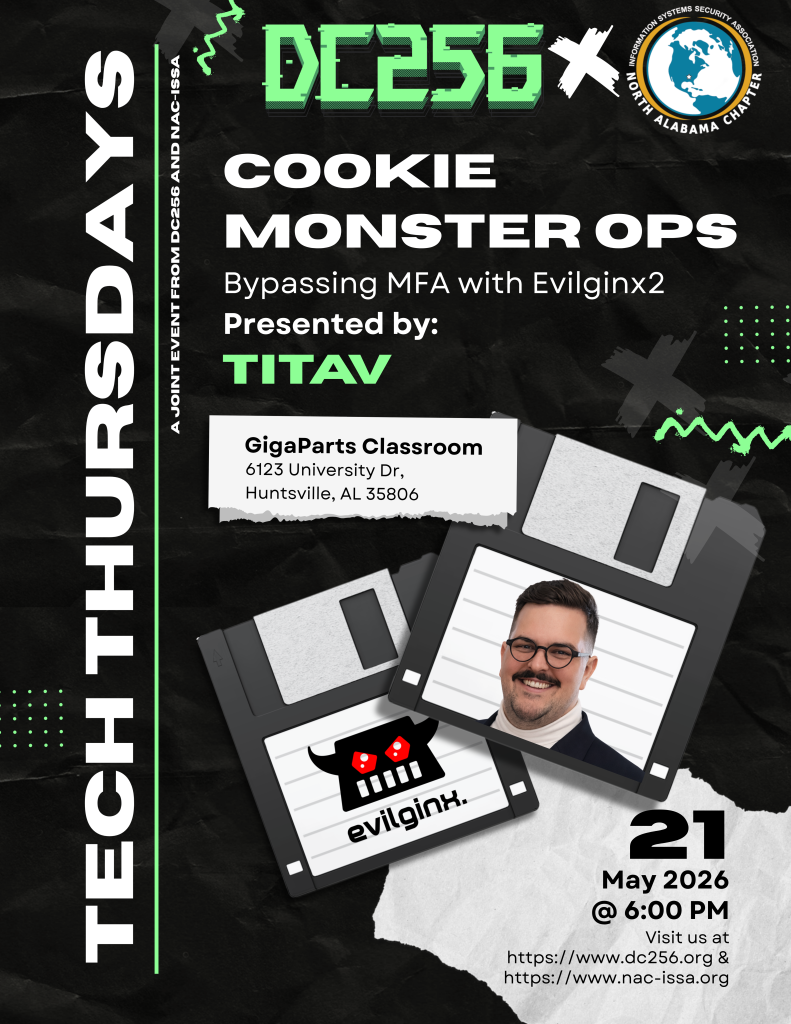
NAC-ISSA and DC256 will be hosting the next Tech Thursday on May 21 with Tativ presenting " Cookie Monster Ops: Bypassing MFA with evilginx2". This event is free to anyone

- This event has passed.
May 21 @ 6:00 pm – 8:00 pm
NAC-ISSA and DC256 will be hosting the next Tech Thursday on May 21 with Tativ presenting ” Cookie Monster Ops: Bypassing MFA with evilginx2″.
This event is free to anyone wishing to attend. Pizza and softdrinks served. This is a hands on event so please bring your own laptop.
Before the workshop, attendees should be comfortable with Linux command line (SSH, package install, basic shell), basic DNS and domain management (A records, nameservers) and VPS management. (We will still cover this.), and be familiar with HTTP(S) concepts, TLS/Let’s Encrypt, and browser extensions.
Before the workshop, attendees will need to: Create a Digital Ocean account if you don’t already have one. Obtain a domain from Namecheap.com (It does not matter what the domain is.) Download Firefox, and download the Cookie-Editor extension for Firefox: https://addons.mozilla.org/en-US/firefox/addon/cookie-editor/
Information for tonight’s session:
Attendees will need Docker installed on their machine.
Windows:
- Install WSL by opening command prompts as administrator and using the command “wsl –install”
- Follow this guide to install Docker Desktop. There are also walkthroughs on YouTube.
https://docs.docker.com/desktop/setup/install/windows-install
Mac:
- Similarly to Windows, follow this guide to install Docker Desktop. It’s a pretty straight forward install:
https://docs.docker.com/desktop/setup/install/mac-install
Linux: For Linux, you have 2 options and either will work.
- Download Docker Desktop:
https://docs.docker.com/desktop/setup/install/linux
- Or Download Docker Engine via Command line:
https://docs.docker.com/engine/install
Next, download my custom Evilginx application from Github: https://github.com/DillonGriffin/dc256-evilginx-student If you would like to give it a test run, unzip the folder, Build, then Deploy.